You can now send a poll to any existing profiles and see the results on the profile list screen.
You can use this feature to ask a selection of applicants if they are able to attend a viewing. The poll will only allow Yes or No or Other answers, and will show as Pending until a response is provided.
To send a poll, select all profiles (applicants) you wish to ask on the request lists screen and then click Request More Data.
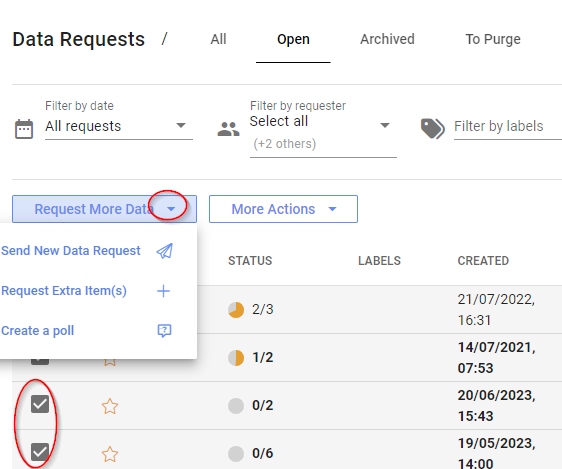
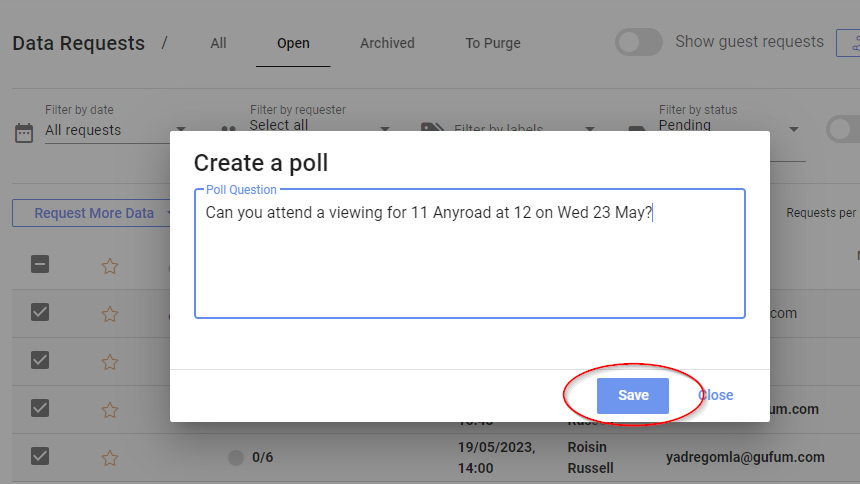
Now choose Create a poll, enter your question and click Save
All recipients will get an email with a link asking for an additional item to be submitted. They can only respond Yes , No or Other on the webapp. If they choose Other they can add a comment.
You can now see on the dashboard those who respond Yes or No. If the recipient does not respond at all, the poll will show as Pending.
I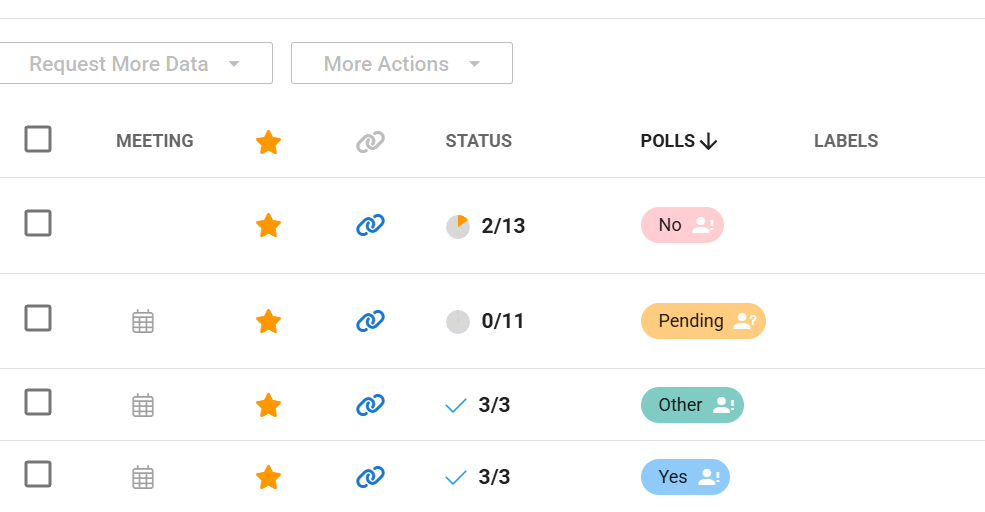
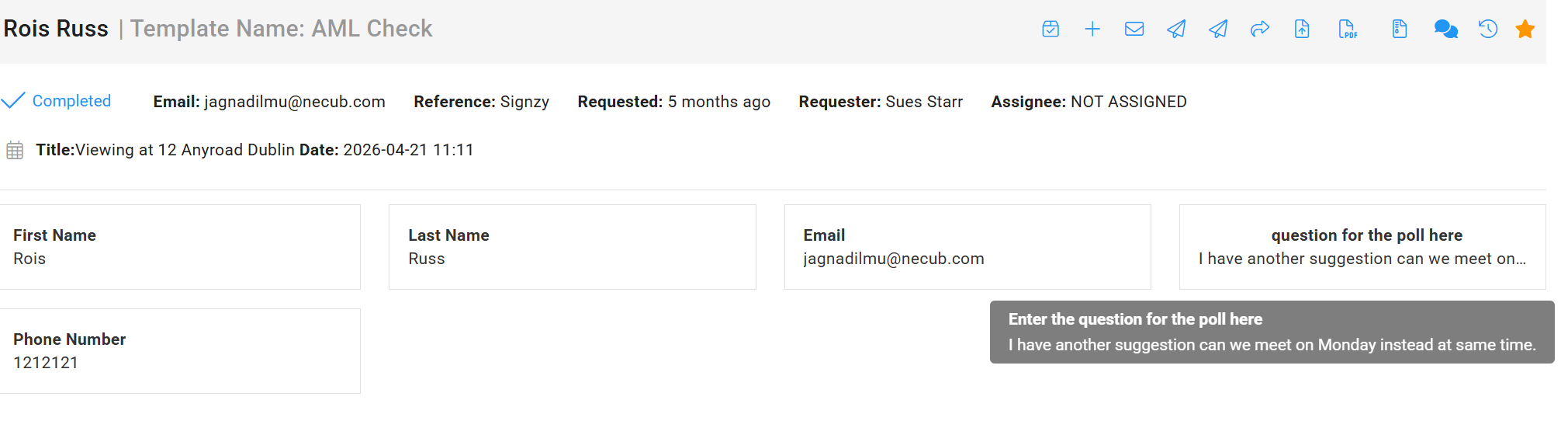
f they have chosen Other then click into their profile to see the comment.
If you have any questions about using the poll please contact us at support@planetverify.com
